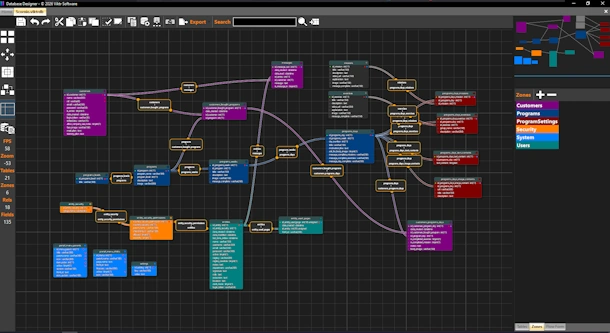
Database Designer for Windows
Modern and fast database design tool for creating and managing schemas visually.
MySQL Database Designer
Viktr DB Designer is a visual MySQL database design tool that allows developers to create, edit and manage database schemas efficiently. It includes table creation, relationship modeling and a built-in workflow system for logic design.
Visual Database Modeling
Design tables, define columns, create relationships and organize your schema visually without losing control over the underlying structure.
Offline Development
The tool works fully offline, allowing you to design and manage database structures without requiring an internet connection.
Why use this tool
- Modern interface
- High performance
- Works offline
Zone System
Visually group tables into logical areas. Create, move and cut zones directly in the canvas.
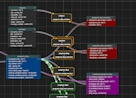
- Create zone areas with drag
- Cut zones into subregions
- Assign tables to zones
- Snap to grid support
Table Designer
Create and manage database tables visually with full control over structure and layout.
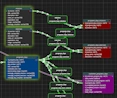
- Drag & drop positioning
- Auto layout recalculation
- Grid alignment
- Multi-select editing
Relations
Build relationships between tables visually with advanced control.
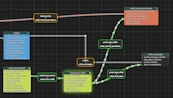
- Drag to create relations
- Waypoint editing
- Smart snapping
- Dynamic label positioning
Flow System
Create logic flows and visual programming structures inside the same workspace.

- Multiple flow containers
- Node-based system
- Decision branching
- Connection anchors
Notes
Add contextual notes directly on the canvas for documentation or planning.
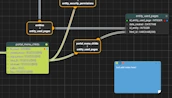
- Inline editing
- Resize support
- Zone-aware coloring
- Drag & reposition
MiniMap
Navigate large models easily with a real-time overview.
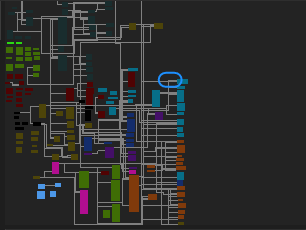
- Viewport tracking
- Click to reposition
- Scaled rendering
Export
Generate outputs for documentation and deployment.
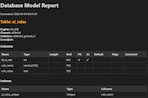
- HTML report
- PNG image export
- DDL generation
Database Tools
Direct integration with database systems.
- Reverse engineering
- Schema sync
- Live connection testing
Productivity
Built for speed and efficiency with advanced controls.

- Undo / Redo system
- Multi-selection
- Keyboard shortcuts
- Auto spacing & alignment
Full documentation for this tool is available below. Learn how to create, manage and export database structures using the visual editor.